Installation
Cloning MyoProfiler Repository
This page instructs you on how to clone the MyoProfiler repository.
We recommend cloning the MyoProfiler repository using the GitHub Desktop client.
Clicking on any of the images on this page will open a larger version in a new browser window.
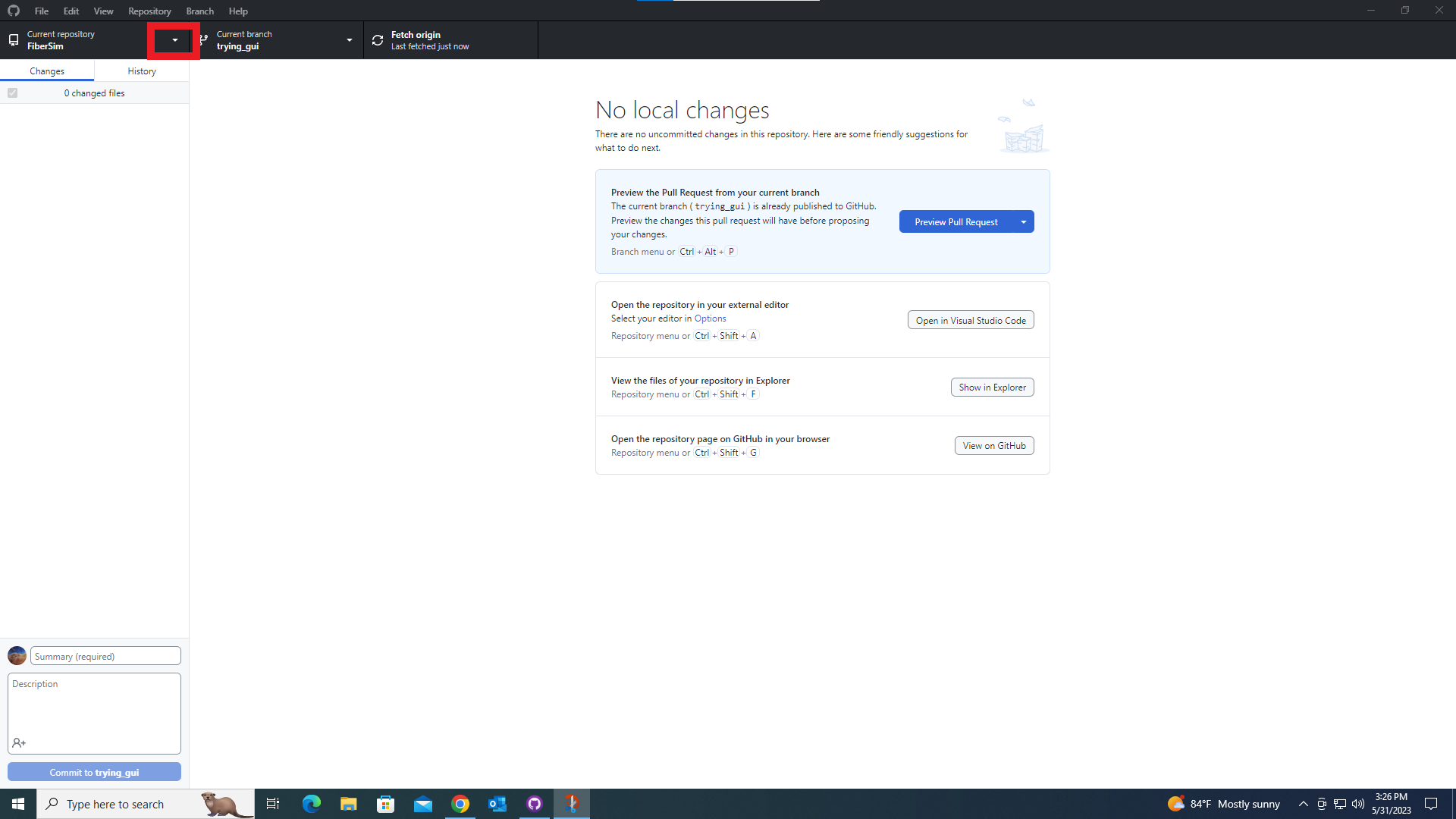
Open GitHub Desktop and click the dropdown menu for repositories (shown in red rectangle in the below image).
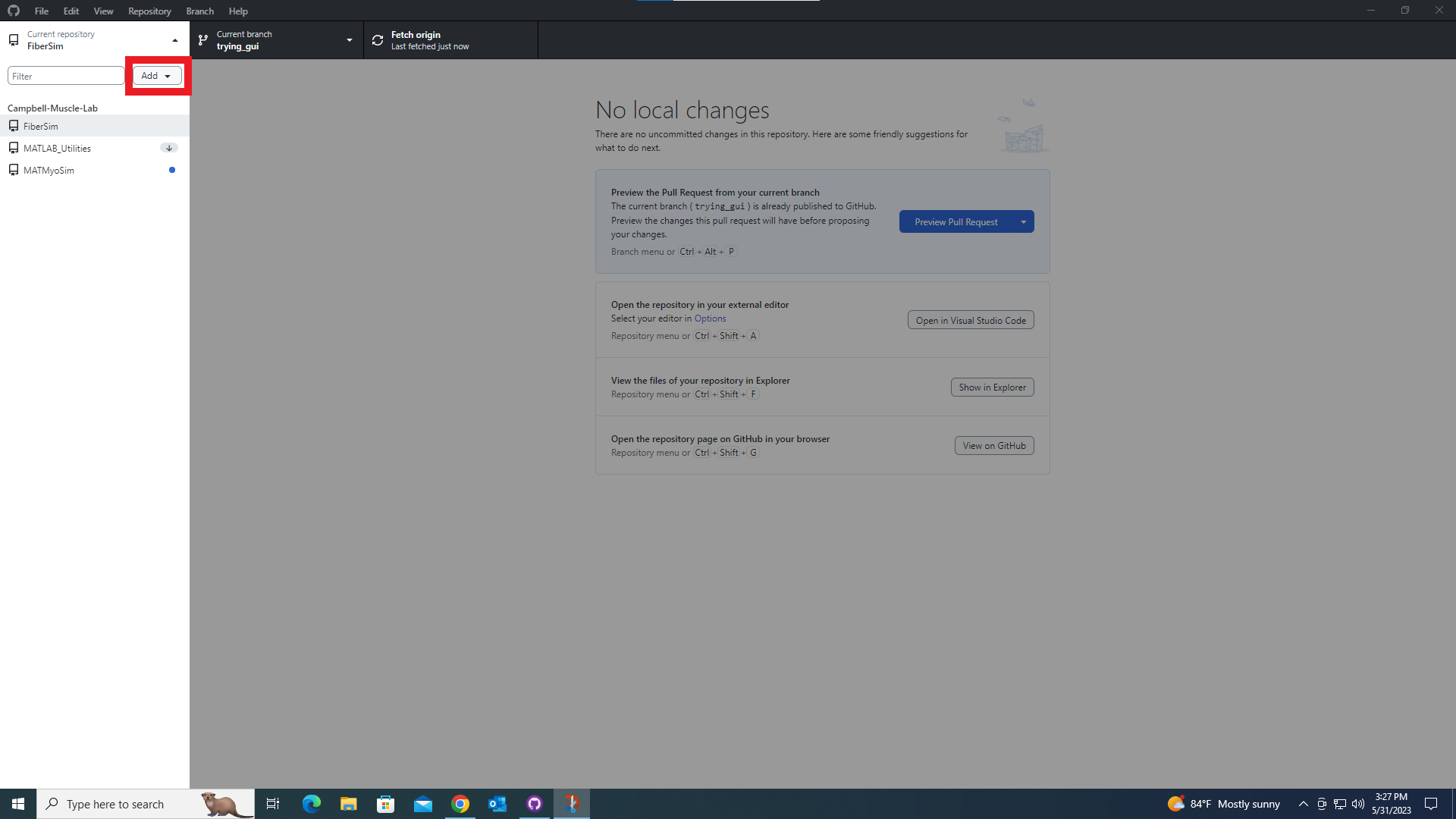
Click the “Add” dropdown menu (shown in red rectangle in the below image).
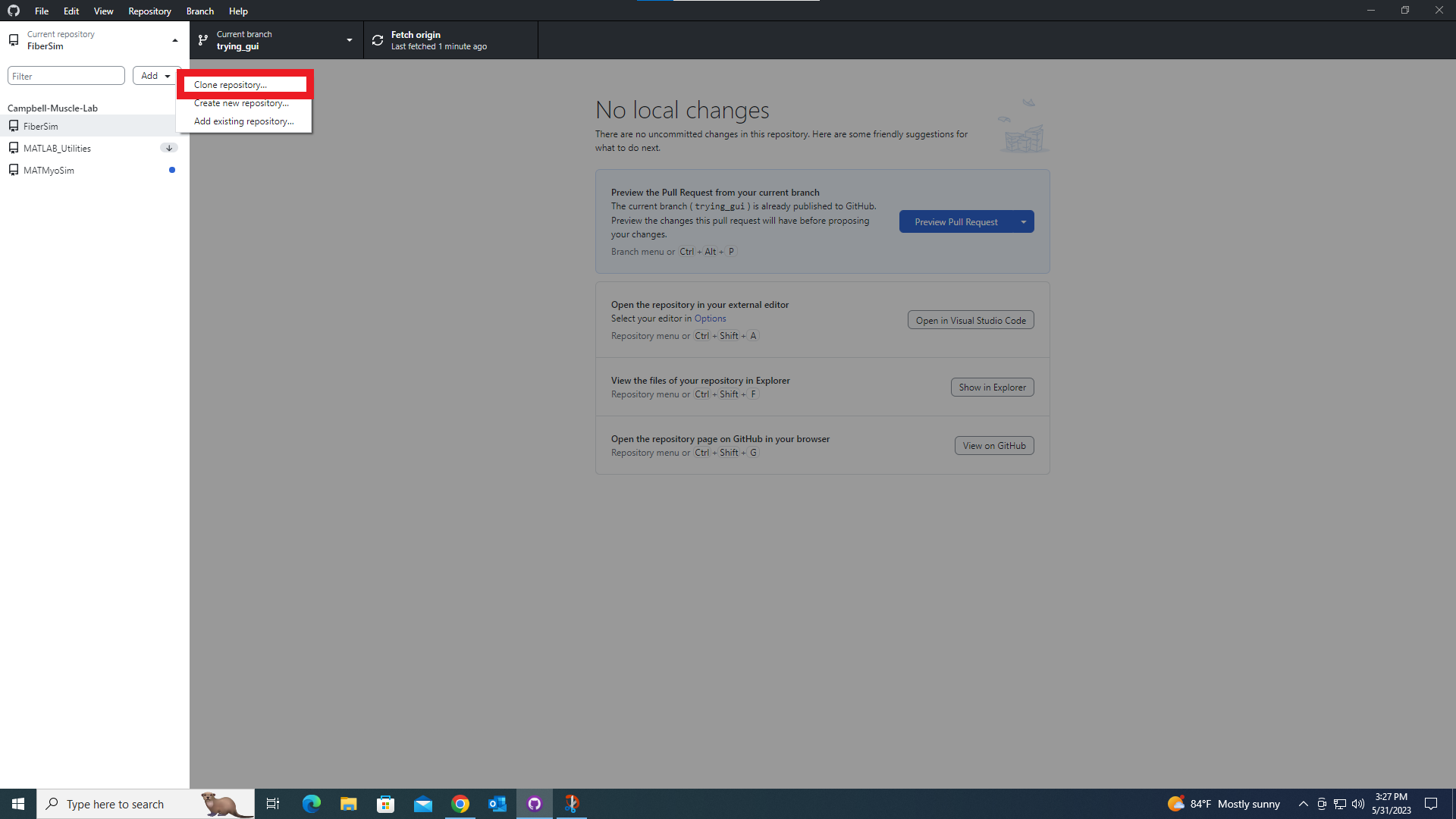
Click the “Clone repository…” button (shown in red rectangle in the below image).
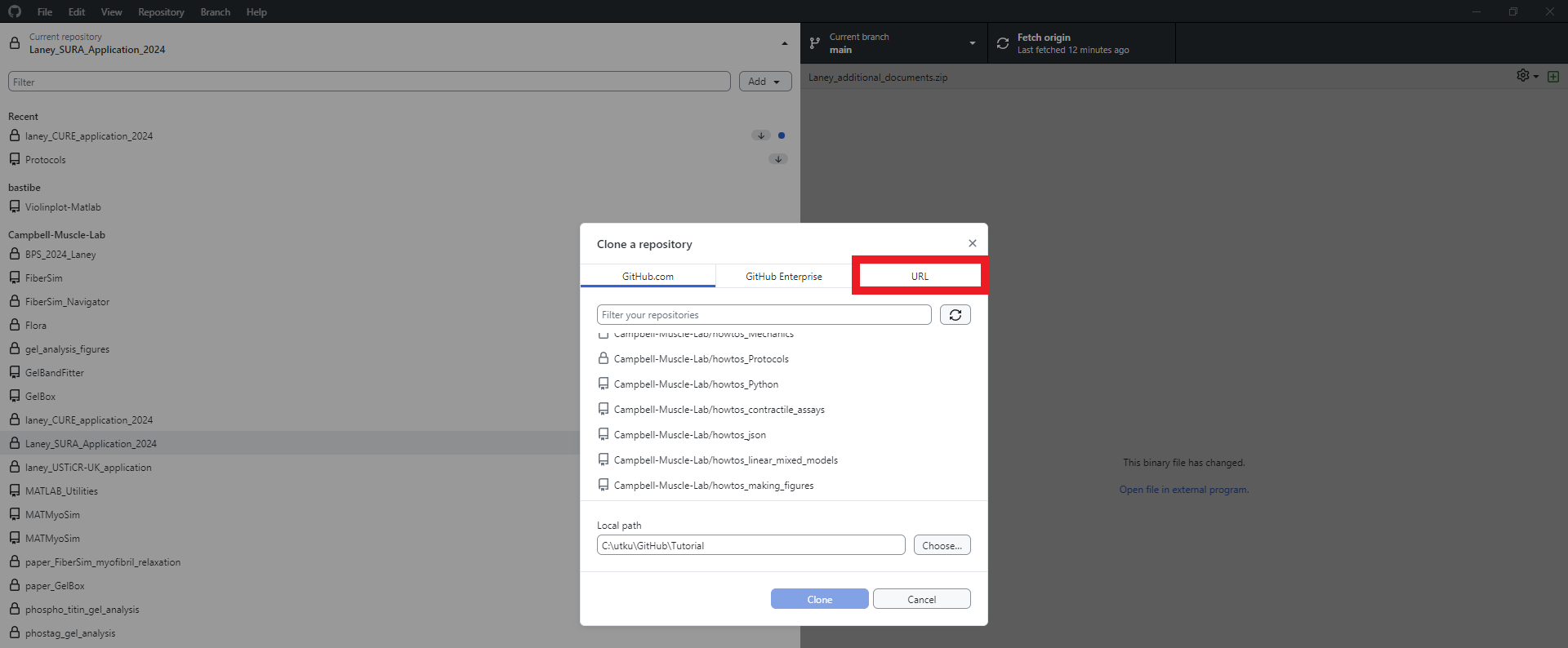
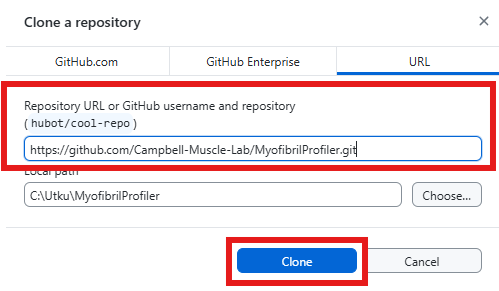
Click the URL tab shown in the red rectangle.
The URL of the MyoProfiler repo is :
https://github.com/Campbell-Muscle-Lab/MyoProfiler.git
Enter the URL in the textbox shown in the red rectangle. Select the location you would like to store the cloned repository.
MyoProfiler repo is successfully cloned to your computer.