Installation
Instructions for MATLAB App Installation
This page instructs you on how to install MyoProfiler as a MATLAB App.
- The MATLAB App installer file can be downloaded from the GitHub page. 16June26 installer is the current MyoProfiler build. In this case, the installer file is located under your designated Downloads folder.
- Users can also clone the MyoProfiler repository and access the MATLAB App installer file. The installer file is located under
<repo>app\16June26. The instructions on how to clone a repository can be found here.
Locate MyoProfiler.mlappinstall file on your computer.
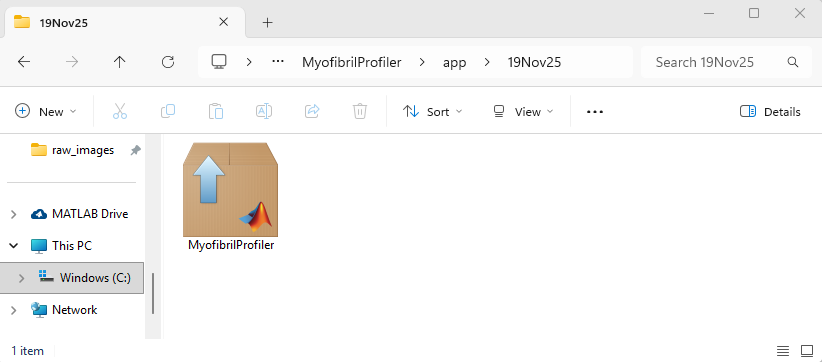
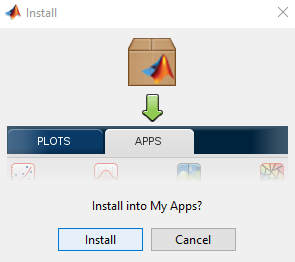
Double-click the MyoProfiler.mlappinstall and the file will include MyoProfiler in your MATLAB Applications. Click Install when the below prompt appears.
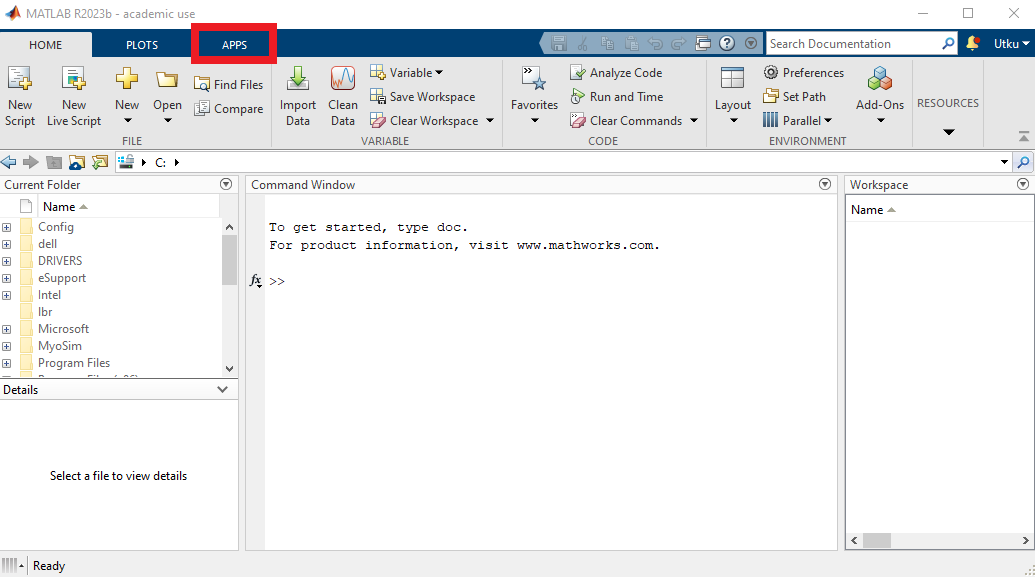
After a couple of seconds, go to the Apps tab on the top menu of your MATLAB, shown in red rectangle.
You can find the MyoProfiler application under the My Apps section, shown in red rectangle.
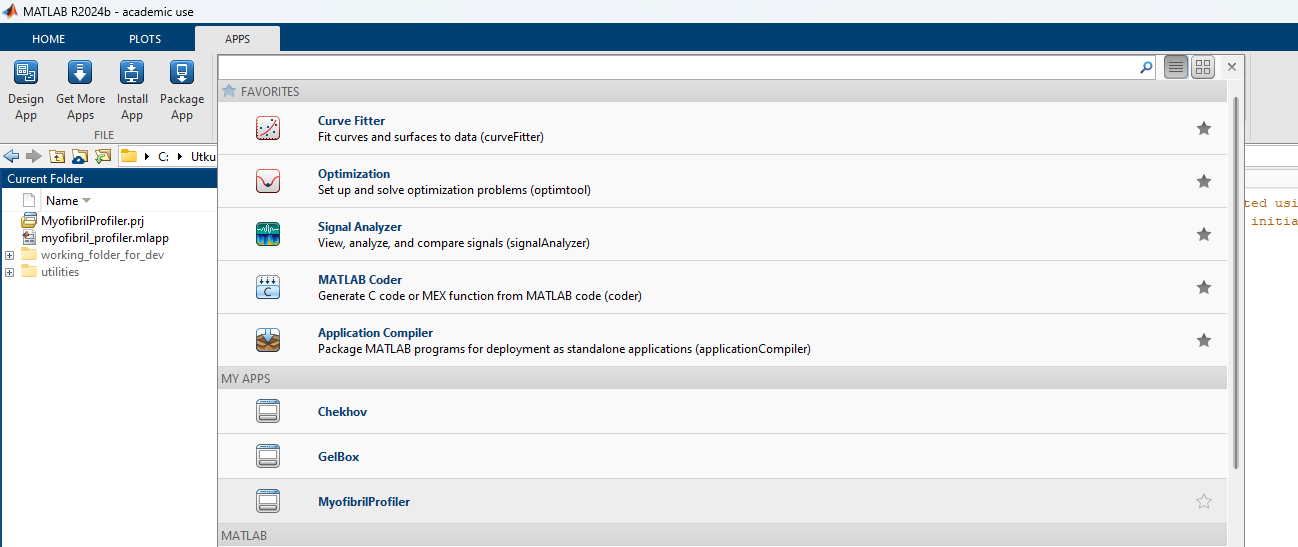
Now MyoProfiler is ready to be used.